Introducing LightNav-0

Scaling Real2Sim2Real for Zero-Shot Generalist Navigation

LightNav-0, our first general-purpose navigation brain, demonstrates zero-shot generalization across diverse robot embodiments, tasks, and scenes.

Building embodied foundation models capable of zero-shot generalization across diverse robot embodiments, tasks, and scenes requires post-training (or alignment) on large-scale real-world experience. Real-world teleoperation is a primary method for collecting such experience, but reaching sufficient scale and diversity to enable zero-shot generalization remains difficult.

We create a Real2Sim2Real data engine to synthesize simulation-based surrogates for real-world experience at scale. It turns 2,000+ internet-sourced real-world scenes into reusable simulated worlds, yielding 4,000+ hours of diverse vision-language-action experience for navigation post-training.

We use this data to train our generalist navigation model through three stages: Embodied Reasoning (ER) mid-training, Embodied Supervised Fine-Tuning (SFT), and Online Reinforcement Learning (RL). The result is LightNav-0, a single model that achieves state-of-the-art performance across 10 simulation settings spanning instruction following, object-goal navigation, and embodied visual tracking, and transfers zero-shot to humanoid, quadruped, aerial, and wheeled robots.

At Light Origins, we believe the path toward Physical AGI runs through three scaling paradigms: scalable pre-training, scalable alignment, and scalable deployment. With LightNav-0, our first step toward scalable alignment through Real2Sim2Real, we demonstrate that alignment at scale is key to achieving zero-shot generalization in the physical world.

01 · BREAKING THE EMBODIED POST-TRAINING COLD START

Turning real scenes into scalable experience.

Embodied post-training has a production problem. Physical experience arrives one robot, one environment, and one attempt at a time, while generalization depends on combinations of bodies, worlds, and tasks. Collecting those combinations in the real world is not only expensive; it is too slow for the iteration cycle that modern model training requires.

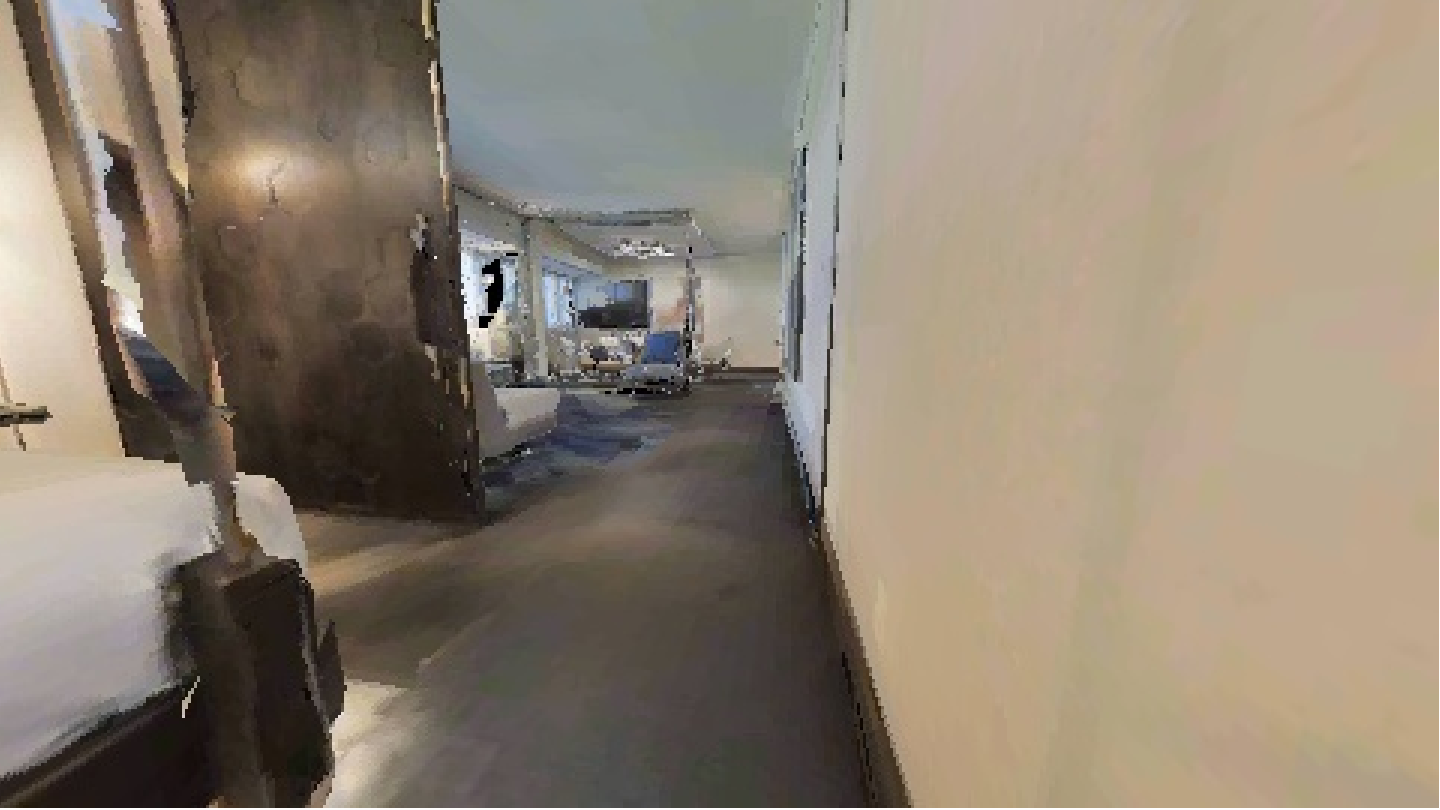
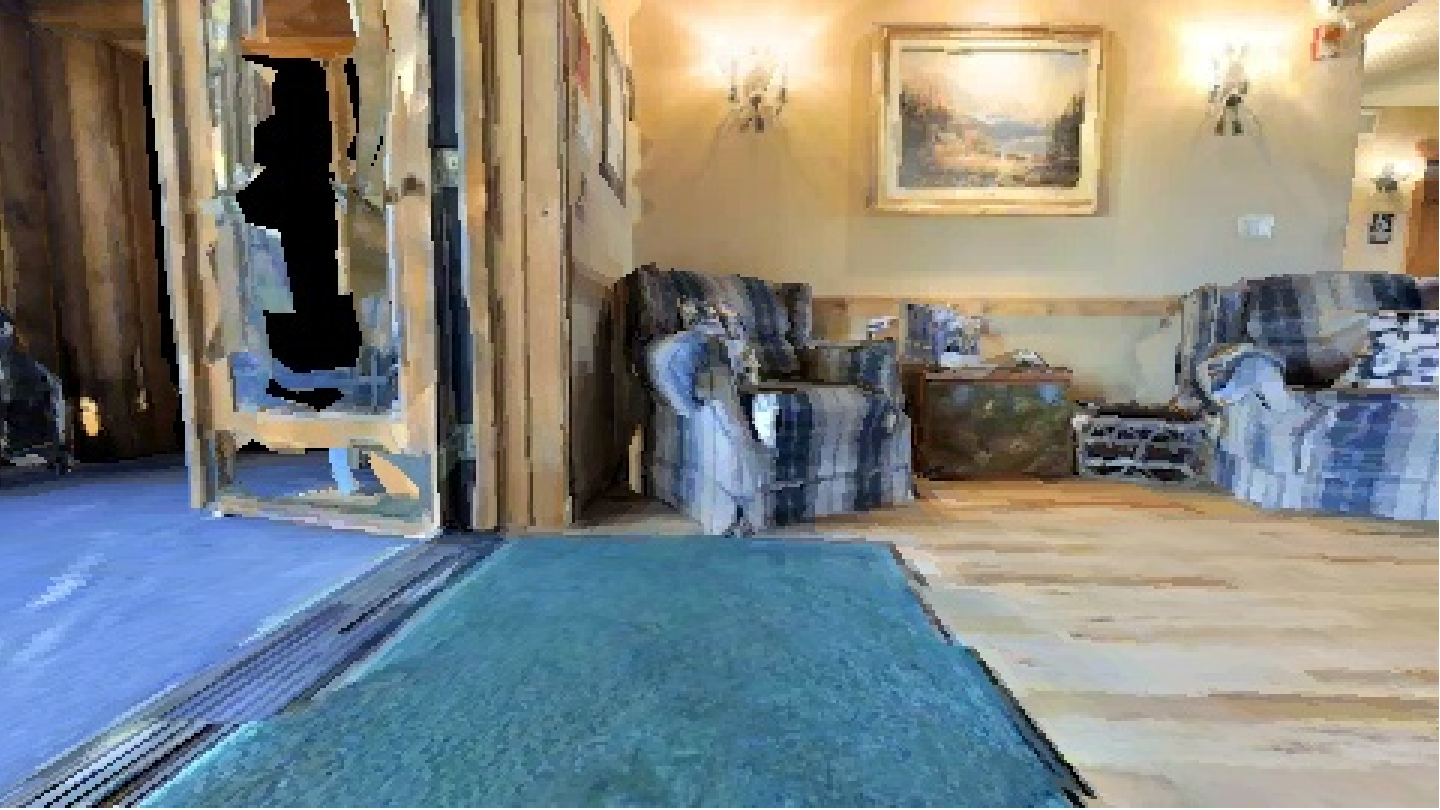
Scalable Alignment starts with 2,000+ internet-sourced real-world scenes. Rather than treating them as static assets, the data engine brings different scene formats into one simulation interface, where each world can support many goals, routes, viewpoints, and task formulations. Camera geometry varies with the experience, so the training distribution is not tied to one field of view, mounting height, or robot body.

Each rollout becomes one aligned record of what the model saw, what the instruction referred to, where it should attend, and how it should move. That alignment—not rendering volume alone—is what turns scene scale into post-training value. The current engine produces 4,000+ hours of vision-language-action experience; physical deployment then reveals which scenes, tasks, and interactions the next cycle should add.

Fig. 01 Real scenes, rendered into experience. Simulated navigation episodes · egocentric RGB · 8 fps
02 · POST-TRAINING RECIPE

Three stages of post-training.

Embodied foundation models increasingly follow a familiar post-training recipe: domain mid-training, supervised fine-tuning, and reinforcement learning. The progression is deliberate—mid-training shapes the representation, SFT teaches the behavior, and RL improves outcomes under the policy’s own distribution. LightNav-0 adapts this recipe to navigation through ER mid-training, Embodied SFT, and Online RL.

02A · STAGE I — SPATIAL REASONING BEFORE ACTION ALIGNMENT

Reason about space before acting in it.

Robot trajectories are expensive because each must align a scene, an instruction, and a sequence of actions. Yet much of what a navigation policy needs before acting—grounding language in pixels, locating free space, reasoning about spatial relations, and tracking change—can be learned from images and video at far greater scale. Stage I builds these spatial priors during mid-training; Stage II uses trajectories to connect them to action.

Gemini Robotics1 is built on Gemini Robotics-ER, while MolmoAct22 uses MolmoER as its VLM backbone—two examples of embodied reasoning becoming the foundation for action learning. LightNav-ER plays that role for LightNav-0 by initializing Stage II with spatial priors. Before action alignment, it ranks first on four and second on four of the eight embodied-reasoning benchmarks we report3, with a macro-average of 67.4.

CAPABILITY FAMILYACTIVE SAMPLING
Image pointing
35.14%
Single-image VQA
25.05%
General visual & abstract reasoning
20.00%
Video reasoning
19.81%
STAGE I · ER MID-TRAINING36 SOURCES

35.14%Pointing is the largest
specialized component

Fig. 02 What Stage I trains on. Pointing accounts for 35.14% of the mixture; visual, abstract, and temporal reasoning make up the remaining 64.86%.
LIGHTNAV-ER MOLMOER QWEN3-VL INITIALIZATION
Point-BenchRefSpatialRoboSpatial-POIRoboSpatial-VQAWhere2PlaceCV-BenchERQAEmbSpatial 64.557.456.571.976.688.443.879.8

67.4 average

4 first

4 second

+4.3 over initialization

Fig. 03 Stage I strengthens spatial reasoning before action training. LightNav-ER averages 67.4, ranking first on four benchmarks and second on four.

Entity grounding

Grounded phrases stay linked to their image-space points.

02B · STAGE II — BUILDING EMBODIED SFT DATA

Turn scenes into aligned embodied experience.

Stage I gives the model a spatial prior; Stage II has to turn it into behavior. Physical collection cannot cover enough combinations of scenes, goals, routes, and viewpoints at post-training scale. Real2Sim2Real changes the unit of scale: capture a scene once, then use it to produce many executable interactions.

01 · TARGET ANNOTATIONMOLMO2
SIGN BANNER FLOWERS WINDOW ARCADE STOREFRONT DOOR CART AWNING STATUE CRATE SCULPTURE ARCH WINDOW COLUMN OPEN-SET POINTING 1 / 2,000+ SCENES OPEN-VOCAB PROMPTS STATUE · INSTANCE INVENTORY STATUE ARCH DOOR SIGN CRATE WINDOW ≥2 VIEWS / INSTANCE SPREAD < 0.6 M 3D TARGET INVENTORY RGB + METRIC DEPTH · 4 HEADINGS ≥2 VIEWS → 1 INSTANCE MULTI-VIEW 3D MERGE

Molmo2 annotates open-set objects.

Across every scene source, image-space points are lifted through metric depth into one target inventory.

POINTDEPTH LIFT3D MERGE
02 · EPISODE SYNTHESISAUTOMATIC
1 · SAMPLE TARGET 2 · VISIBLE START 3 · PLAN ON NAVMESH × MANY ROUTES / SCENE ANCHOR STOP ONE SCENE → MANY EPISODES FWDFWDFWDSTOP ✓4 · EGOCENTRIC VIDEO + ACTION LABELS

The simulator generates executable rollouts.

It samples a target and visible start, plans the route, anchors the stop, and renders egocentric video — at scale.

TARGETSTARTROUTEROLLOUT
03 · INSTRUCTION LABELINGVLM
TEMPLATE · TARGET BEARING BEARING → SECTOR → SENTENCE “Turn {sector} and go to the {target} and stop.” “Turn left and go to the red sign and stop.” VIDEO VLM · SEED2.0 KEYFRAMES → ROUTE SUMMARY → SENTENCE “Go past the arcade, turn left,and stop at the red sign.” OR LLM REWRITE + SEMANTIC CHECKS “Take a left across the plaza and pull up at the red sign.” RULE OR VLM DRAFT · KEEPS TARGET + DIRECTION VISUAL ARRIVAL CHECK FINAL FRAME · STOP POSE SUSPECT → REVIEW

VLMs turn the rollout into verified language.

Template or video-VLM drafts are rewritten under semantic checks, then verified against the final views.

DRAFTREWRITEVERIFY
ALIGNED TRAINING SAMPLEInstruction · RGB history · object point · affordance point · action trajectory

ONE ROLLOUTONE CONSISTENT MULTIMODAL RECORD

Fig. 04 Automatic data generation and instruction labeling. Targets, trajectories, video, and language are created in that order — the same pipeline across every captured scene.

A scene is not supervision by itself. The engine identifies what can be reached, generates routes that can actually be executed, renders them from varied egocentric views, and writes language from the completed interaction. This order matters: the instruction describes behavior that exists, rather than asking a planner to recover behavior from prose written in isolation.

After alignment and balance checks, every episode leaves the engine as one synchronized record of language, visual history, image-space points, and motion. Stage II scales these records—not scenes or videos alone, but aligned embodied experience.

An internet-sourced scene asset does not arrive with usable navigation goals. For unlabeled Gaussian splats, Molmo24 points to candidate objects in rendered views; the engine lifts those points into 3D and keeps only targets that agree across viewpoints. Scenes with annotated 3D boxes enter directly. Once a target is grounded, the engine plans and renders a route, then asks Seed2.05 to describe that specific journey. The route is fixed before language is generated, so the instruction describes a path that is physically executable in the scene.

REAL SCENE → TARGET INVENTORY

Different reconstruction formats enter through different annotation paths, then converge on one target representation.

UNLABELED · HABITATGS Discover targets across views.
  1. Sample navigable viewpoints.
  2. Render RGB + metric depth in four headings.
  3. Use Molmo2 for open-vocabulary pointing.
  4. Lift points into 3D and merge across views.
LABELED · INTERIORGS Import official 3D boxes.

Ground-truth boxes bypass visual discovery and are converted directly to the common target representation.

COMMON INVENTORY One spatial target map.

Object geometry projects back into the agent view; navigable space supplies the affordance target.

2+ supporting observations 2+ distinct viewpoints < 0.6 m 3D localization spread
Pre-annotation is a cross-view consistency problem. Single-view detections and geometrically unstable matches are rejected before route generation begins.

Once a target survives that gate, geometry supplies the route and video supplies the observation history. Language is the uncertain component, so the engine generates it along two independent paths and verifies it twice. This is what turns a rendered rollout into an aligned training example.

TARGET INVENTORY → VERIFIED EPISODE

The action trajectory is generated first. Language is added without being allowed to change its target or geometry.

01Sample targetfrom the accepted inventory
02Draw visible starttarget visible from the stop
03Plan + anchorroute on the navigation mesh
04Renderegocentric RGB + action labels
GEOMETRIC PATHGoal pixel + start-relative bearing

Eight directional sectors produce a target-aware template.

VIDEO PATHOrdered route frames + route summary

Seed2.0 drafts a video-grounded instruction.

UNIFIED REWRITESeed2.0

One language surface for both sources.

SEMANTIC GATETarget identity and turn direction remain unchanged.
VISUAL GATEThe stopped frame shows arrival at the intended target.
INSTRUCTION+EGOCENTRIC VIDEO+ACTION TRAJECTORY
An episode ships only when language, observation, and motion still describe the same event.

INSIGHT-Bench documents one reproducible slice of this engine: 53,090 training episodes from 1,683 scenes, plus a frozen evaluation split of 1,097 episodes from 210 scenes. The scenes mix conventional meshes with Gaussian-splatting reconstructions; the episodes mix five kinds of spaces with five distinct ways an instruction can identify its goal.

The renderer also treats sensor geometry as a data axis. Within the same scene, it samples a 90–130° field of view, a camera height of 0.5–1.5 m, and a pitch of −15° to 15°. This exposes the policy to body-scale viewpoint changes during training instead of binding every route to one camera rig.

INSIGHT-BENCH EPISODE COVERAGE

Source diversity changes appearance. The diagnostic taxonomy changes the spatial problem the instruction asks the policy to solve.

1,683training scenes
53,090training episodes
210evaluation scenes
1,097evaluation episodes
TRAINING EPISODESBY SCENE SOURCE
HM3D / MP3D
34,531 65.0%
InteriorGS
8,534 16.1%
HabitatGS
5,776 10.9%
VLNVerse
4,249 8.0%
EVALUATION TAXONOMYEPISODES
BaseDirectionRelationExtremumOrdinal
Apartment5050505039
House5050315035
Commercial4240305033
Institution5049325038
Outdoor4550505033

Scene labels describe function and layout. Instruction labels come from the geometric proof used to instantiate the target, not from keywords after generation.

FOV 90°–130° CAMERA HEIGHT 0.5–1.5 m PITCH −15°–15° STOP SAMPLES ≤ 2% TRAJECTORY CLUSTER ≤ 5%
INSIGHT-Bench exposes both visual and linguistic coverage. The matrix turns one aggregate success rate into failures attributable to scene layout, reference mechanism, or their interaction.
02C · STAGE II — TRAINING ON ALIGNED EXPERIENCE

Make spatial reasoning executable.

These aligned records are where Stage I’s spatial prior becomes behavior. From the same language goal and visual history, the model learns three linked decisions: what the goal refers to, where motion is possible, and which trajectory reaches it. Because all three are supervised by the same interaction, Stage II learns perception and action as one problem rather than separate tasks.

The training mix preserves that foundation: most examples teach navigation and action, while a smaller reasoning stream keeps Stage I’s spatial capabilities active. With Stage II data held fixed, LightNav-ER improves every evaluated setting (Figs. 05–06). A compact interface carries this prior into behavior—image-space Point CoT exposes spatial intent, while RVQ motion tokens express the trajectory that follows.

The full Stage II mixture goes beyond this documented slice: sixteen navigation sources are co-trained with 33 reasoning sources. R2R6, RxR7, ScaleVLN8, and SRDF9 enter the stream alongside tracking data, outdoor scenes, and Gaussian-splatting worlds. The instructions remain long-form: 742K total, 474K unique, with a median length of 20 words. Fig. 05 shows how optimization is allocated; the next section shows how the geometry already present in each aligned episode becomes point supervision.

The Stage II training mix.

AVAILABLE DATATOTAL EXAMPLES
VQA
5.2M
ObjectNav
4.7M
SRDF
4.7M
ScaleVLN
2.8M
Tracking
2.8M
VLN-CE · RxR
1.8M
VLN-CE · R2R
642K
INSIGHT-Bench
454K
05.2M
DATA USED IN TRAININGSHARE
Navigation + action examples
77.6%
Visual question answering
22.4%
Fig. 05 Available data versus what the model sees. The bars show the full data pool. During Stage II, 77.6% of sampled examples teach navigation and action; VQA accounts for the remaining 22.4%.

ER improves all eight settings.

LIGHTNAV-ER QWEN3-VL
40 50 60 70 80 R2R+2.7 RxR+1.0 HM3D v1+3.1 HM3D v2+1.5 MP3D+4.2 OVON Seen+1.6 OVON Syn.+0.8 OVON Unseen+4.0
Fig. 06 ER initialization improves all eight settings. With identical Stage II data, mean SR rises from 60.8 to 63.1 and mean SPL from 39.0 to 40.0.
02D · FROM TRAJECTORY DATA TO POINT TOKENS

Routes teach where to look and move.

Because the Real2Sim2Real engine retains the referred object, camera pose, and route for every frame, each episode also supplies its own point labels. A reachable future waypoint projects to an affordance point; whenever the referred object enters view, its 3D target projects to an object point. Point supervision therefore grows with the generated routes—without a separate annotation pass.

01 · AFFORDANCE POINT

A navigable point selected from free space.

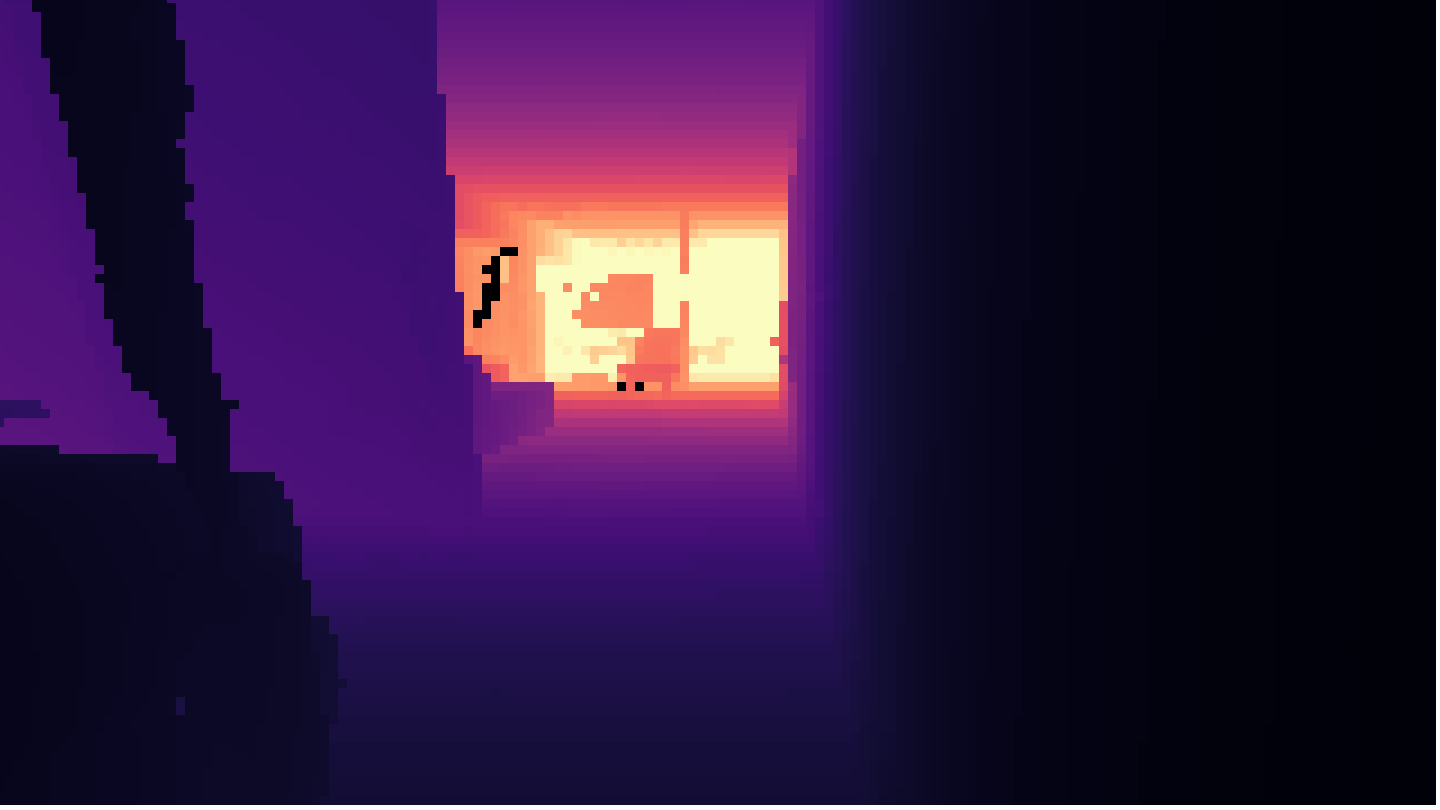
Simulated indoor RGB observation used to label an affordance point
Depth rendering with the selected free-space affordance point
<apos_i> · FREE-SPACE TARGETSELECT A VIEW · 3D → 2D
02 · OBJECT POINT

The referred object, grounded in image space.

Simulated indoor RGB observation containing a referred armchair 3D BBOX
Depth rendering with the referred object point
<opos_i> · REFERRED OBJECTSELECT A VIEW · 3D → 2D
Fig. 07 Simulation state becomes point supervision by projection. Switch each card between its source RGB view and projected depth view. The object point and affordance point remain attached to the frame and route from which they were derived.

Point CoT began with a constraint: reasoning for autoregressive control must be cheap enough to run at every step and structured enough to supervise at data-engine scale. We first considered textual CoT. It is expressive, but variable in length, costly to decode, difficult to synthesize consistently, and hard to falsify when an action fails. We also considered metric 3D targets. They are precise, but tie supervision to depth, pose, camera calibration, reconstruction, and a common coordinate system across embodiments.

Image-space points offered a simpler alternative. Each decision adds only two point tokens: an object point grounds the referred object when it is visible, and an affordance point identifies free space for progress. Simulation geometry supplies both labels at scale. At deployment, the model predicts them from RGB and language—without depth, localization, calibration, or a map. Because the format is fixed, the reasoning sequence stays short.

Fig. 08 tests whether this compact reasoning signal changes the learned policy. With everything else held fixed, Point CoT improves all eight settings, raising mean SR by 8.4 and mean SPL by 5.7.

POINT COT ABLATION · SINGLE-VIEW RGB · SUCCESS RATE

Point CoT improves all eight settings.

WITH POINT COT WITHOUT POINTING
40 50 60 70 80 R2R+9.0 RxR+2.8 HM3D v1+13.5 HM3D v2+11.6 MP3D+12.0 OVON Seen+7.1 OVON Syn.+7.5 OVON Unseen+3.9
MEAN SR
+8.4
MEAN SPL
+5.7
SETTINGS IMPROVED
8 / 8
Fig. 08 Point CoT improves SR and SPL in all eight settings. Everything else in the training recipe is held fixed · focused scale: 40–80 SR.
02E · FROM METRIC TRAJECTORIES TO ACTION TOKENS
RVQ ACTION TOKENIZER

Motion as tokens.

Each training target is a metric SE(2) trajectory with ten waypoints. To place motion in the same autoregressive interface as language and image-space points, we learn a residual vector quantizer over the Stage II trajectory distribution.

The tokenizer comprises three 256-entry codebooks. L0 selects a coarse trajectory; L1 and L2 encode successive residuals. The resulting three-token representation achieves a mean waypoint displacement error of 0.72 cm. Ablation supports three levels as the minimal sufficient hierarchy: two levels incur substantially higher reconstruction error, whereas additional levels or larger codebooks yield only marginal reductions. Every prefix remains decodable—L0 defines a complete coarse trajectory, and each subsequent token refines it.

ACTION-TRAJECTORY CODEBOOKS Choose one action trajectory at each level: L0 coarse motion, L1 residual, then L2 detail.
Hierarchical explorer · click L0 → L1 → L2Color encodes usage frequency
Fig. 09 One aligned episode becomes one ordered prediction target. LightNav-0 emits an object point and an affordance point as image-space CoT, followed by three RVQ action tokens. Decoding the action tokens recovers the ten-waypoint trajectory shown over a fixed 1.5-metre forward range.

Because the prediction interface and Stage II recipe remain unchanged, we can vary scale along three axes without changing the learning objective: the number of training environments, the number of aligned SFT examples, and model capacity. The analysis below asks which of these investments most reliably improves navigation.

STAGE II · SFT SCALING

Environment scaling has yet to saturate.

Across the range we tested, widening the set of environments is the most reliable way to improve the policy. All four measures rise at every step of environment scaling. Increasing model size produces mixed results, while additional SFT episodes from the same scene pool show diminishing returns. These results suggest that, at the current scale, adding new environments is likely to be more valuable than sampling existing ones more densely.

R2R RxR SR SPL
ENVIRONMENT SCALINGFRACTION OF TRAINING ENVIRONMENTS
1/81/41/2FULL 73.6 SR68.5 SR64.5 SPL62.8 SPL
DATA SCALINGFRACTION OF TRAINING DATA
1/161/81/41/2FULL 73.6 SR68.5 SR64.5 SPL62.8 SPL
MODEL SCALINGFOCUSED SCALE · 45–75
2B4B8B 73.1 SR66.9 SR66.5 SPL62.3 SPL
Fig. 10 Environment coverage is the strongest scaling axis in the tested range. Broader environment coverage produces the largest monotonic gains at matched fractions; total data volume improves all four measures with diminishing returns near full scale; model scaling becomes mixed beyond 4B.

Real2Sim2Real makes that expansion practical. Each captured environment is reconstructed once, then reused to produce many aligned goals, routes, instructions, and camera views. More compute raises episode throughput; more scene assets broaden the visual and spatial variation those episodes cover.

Even broad SFT data has a boundary: it shows the policy how successful navigation unfolds, but not how to recover from its own mistakes. A late turn, an overshoot, or a lost target takes the policy into states that demonstrations rarely cover. Stage III keeps the same point-and-action interface but learns from a new source of experience—the policy’s own trajectories and their outcomes.

02G · STAGE III — REINFORCEMENT LEARNING

Train beyond demonstrations.

Stage III remains entirely in simulation. Instead of following routes supplied by the data engine, the model proposes complete plans and the simulator scores their outcomes. The policy’s own states—and its own mistakes—now shape the training signal.

GRPO11 learns from the relative outcomes of those plans. The action vocabulary stays fixed—RL operates on the same RVQ motion tokens introduced during SFT—while supervision shifts from imitating a successful route to improving the consequences of the policy’s own decisions.

The distracted-tracking split of EVT-Bench12 provides a consistent readout: performance rises beyond the SFT checkpoint before reaching a plateau (Fig. 11).

Tracking success during online RL

EVT-Bench Tracking DT, evaluated over 1,392 episodes in 101 scenes.

SUCCESS RATE (%) — SCALE 70–84
Tracking success rate during online reinforcement learning Success rate rises from 74.4 at the SFT checkpoint to a best observed value of 82.6 at step 120. PLATEAU 74.4 82.6
Fig. 11 Online RL improves tracking success beyond the SFT checkpoint. Success rate rises from 74.4 at the SFT checkpoint to a best observed value of 82.6 at step 120.

Across three stages, the model learns from broad spatial reasoning, aligned simulated interactions, and simulated outcomes from its own policy. The training loop ends here. What follows is transfer—across public benchmarks, physical embodiments, and unfamiliar visual domains.

03 · EVIDENCE ACROSS BENCHMARKS AND PHYSICAL EMBODIMENTS

Generalization across tasks, scenes, and embodiments.

Public benchmarks are the first transfer test. We evaluate the same checkpoint across ten settings spanning instruction following, object navigation, open-vocabulary search, and target tracking, using VLN-CE13, Matterport3D14 and HM3D10, HM3D-OVON15, and EVT-Bench12.

LightNav-0 uses a single egocentric RGB view, limited to the camera’s current field of view. Panoramic and multi-camera methods observe several directions at once. Each panel therefore shows two comparisons: monocular methods under the same sensing constraint, followed by results from broader-view systems.

LightNav-0 ranks first in all ten monocular comparisons. When broader sensing is included, it remains first in four (Fig. 12).

LIGHTNAV-0 · SINGLE RGB MONOCULAR METHODS PANORAMIC / MULTI-CAMERA METHODS
01 · INSTRUCTION FOLLOWINGVLN-CE · VAL-UNSEEN · SR ↑ · FOCUSED PER SETTING

R2R

SR ↑ · 60–80
All reported methods11 monocular · 17 broader-view
MONOCULAR
  1. LightNav-068.5MONO
  2. Qwen-RobotNav-4B66.9MONO
  3. Qwen-RobotNav-8B65.7MONO
  4. CorrectNav65.1MONO
  5. DualVLN64.3MONO
  6. InternVLA-N158.2MONO
  7. Qwen-VLA57.3MONO
  8. StreamVLN56.9MONO
  9. NaVILA54.0MONO
  10. Uni-NaVid47.0MONO
  11. NaVid37.0MONO
PANO / MULTI-CAMERA
  1. Qwen-RobotNav-8B72.1BROADER
  2. Qwen-RobotNav-4B69.5BROADER
  3. ABot-N168.3BROADER
  4. ABot-N066.4BROADER
  5. SPAN-Nav66.3BROADER
  6. NavForesee66.2BROADER
  7. NavFoM61.7BROADER
  8. HNR61.0BROADER
  9. ETPNav57.0BROADER
  10. Reborn50.0BROADER
  11. GridMM49.0BROADER
  12. DreamWalker49.0BROADER
  13. AO-Planner47.0BROADER
  14. Sim2Sim43.0BROADER
  15. CMA41.0BROADER
  16. HPN+DN36.0BROADER
  17. InstructNav31.0BROADER

RxR

SR ↑ · 60–80
All reported methods10 monocular · 12 broader-view
MONOCULAR
  1. LightNav-073.6MONO
  2. Qwen-RobotNav-8B73.4MONO
  3. Qwen-RobotNav-4B71.3MONO
  4. CorrectNav69.3MONO
  5. DualVLN61.4MONO
  6. Qwen-VLA59.6MONO
  7. InternVLA-N153.5MONO
  8. StreamVLN52.9MONO
  9. NaVILA49.3MONO
  10. Uni-NaVid48.7MONO
PANO / MULTI-CAMERA
  1. Qwen-RobotNav-8B76.5BROADER
  2. Qwen-RobotNav-4B75.2BROADER
  3. ABot-N170.9BROADER
  4. SPAN-Nav69.7BROADER
  5. ABot-N069.3BROADER
  6. NavForesee66.3BROADER
  7. NavFoM64.4BROADER
  8. HNR56.3BROADER
  9. ETPNav54.7BROADER
  10. Reborn48.6BROADER
  11. CMA26.5BROADER
  12. Sim2Sim26.5BROADER
02 · OBJECT NAVIGATIONOBJECTNAV · SR ↑ · FOCUSED PER SETTING

MP3D

SR ↑ · 40–60
All reported methods5 monocular · 3 broader-view
MONOCULAR
  1. LightNav-053.3MONO
  2. CogNav46.6MONO
  3. SG-Nav40.2MONO
  4. OpenFMNav37.2MONO
  5. VLFM36.4MONO
PANO / MULTI-CAMERA
  1. Qwen-RobotNav-4B52.2BROADER
  2. Qwen-RobotNav-8B48.8BROADER
  3. WMNav45.4BROADER

HM3D v1

SR ↑ · 50–80
All reported methods8 monocular · 1 broader-view
MONOCULAR
  1. LightNav-074.5MONO
  2. Uni-NaVid73.7MONO
  3. CogNav72.5MONO
  4. FiLM-Nav61.7MONO
  5. TriHelper56.5MONO
  6. SG-Nav54.0MONO
  7. VLFM52.5MONO
  8. OpenFMNav52.5MONO
PANO / MULTI-CAMERA
  1. WMNav58.1BROADER

HM3D v2

SR ↑ · 60–85
All reported methods4 monocular · 2 broader-view
MONOCULAR
  1. LightNav-079.5MONO
  2. FiLM-Nav77.0MONO
  3. VLFM63.6MONO
  4. SG-Nav49.6MONO
PANO / MULTI-CAMERA
  1. Qwen-RobotNav-4B75.6BROADER
  2. Qwen-RobotNav-8B71.2BROADER
03 · OPEN-VOCABULARY NAVIGATIONHM3D-OVON · SR ↑ · FOCUSED PER SETTING

Seen

SR ↑ · 40–65
All reported methods5 monocular · 4 broader-view
MONOCULAR
  1. LightNav-055.3MONO
  2. MTU3D55.0MONO
  3. Uni-NaVid41.3MONO
  4. DAgRL+OD38.5MONO
  5. VLFM35.2MONO
PANO / MULTI-CAMERA
  1. Qwen-RobotNav-4B57.7BROADER
  2. Qwen-RobotNav-8B56.1BROADER
  3. ABot-N055.3BROADER
  4. NavFoM37.7BROADER

Synonyms

SR ↑ · 40–65
All reported methods5 monocular · 4 broader-view
MONOCULAR
  1. LightNav-053.3MONO
  2. MTU3D45.0MONO
  3. Uni-NaVid43.9MONO
  4. DAgRL+OD39.0MONO
  5. VLFM32.4MONO
PANO / MULTI-CAMERA
  1. Qwen-RobotNav-4B60.1BROADER
  2. Qwen-RobotNav-8B57.8BROADER
  3. ABot-N055.4BROADER
  4. NavFoM43.3BROADER

Unseen

SR ↑ · 35–60
All reported methods5 monocular · 4 broader-view
MONOCULAR
  1. LightNav-047.0MONO
  2. MTU3D40.8MONO
  3. Uni-NaVid39.5MONO
  4. DAgRL+OD37.1MONO
  5. VLFM35.2MONO
PANO / MULTI-CAMERA
  1. ABot-N054.0BROADER
  2. Qwen-RobotNav-4B53.1BROADER
  3. Qwen-RobotNav-8B51.2BROADER
  4. NavFoM43.6BROADER
04 · VISUAL TRACKINGEVT-BENCH · SR ↑ · FOCUSED PER SETTING

Single-target

SR ↑ · 85–95
All reported methods5 monocular · 7 broader-view
MONOCULAR
  1. LightNav-091.7MONO
  2. ReferTrack89.4MONO
  3. VLingNav88.4MONO
  4. TrackVLA85.1MONO
  5. Uni-NaVid53.3MONO
PANO / MULTI-CAMERA
  1. CoMaTrack92.1BROADER
  2. ABot-N187.0BROADER
  3. ABot-N086.9BROADER
  4. TrackVLA++86.0BROADER
  5. NavFoM86.0BROADER
  6. Qwen-RobotNav-8B78.6BROADER
  7. Qwen-RobotNav-4B77.4BROADER

Distracted

SR ↑ · 65–85
All reported methods5 monocular · 5 broader-view
MONOCULAR
  1. LightNav-082.6MONO
  2. ReferTrack73.3MONO
  3. VLingNav67.6MONO
  4. TrackVLA57.6MONO
  5. Uni-NaVid31.9MONO
PANO / MULTI-CAMERA
  1. CoMaTrack74.2BROADER
  2. ABot-N066.7BROADER
  3. TrackVLA++66.5BROADER
  4. ABot-N165.2BROADER
  5. NavFoM61.4BROADER
Fig. 12 Success rate across ten benchmark settings. Each panel shows LightNav-0 alongside the strongest reported monocular and broader-view methods, with the sensing configuration and exact value printed for every bar.
INSIGHT-BENCH · 1,097 EPISODES · 210 SCENES

Rethinking navigation evaluation.

Most navigation benchmarks compress several abilities into one success rate. They are also concentrated in Habitat-style indoor scans and often use long route descriptions. When a model fails, the score does not reveal whether it misunderstood the goal, missed a spatial relation, or could not navigate the scene.

We built INSIGHT-Bench to separate those factors. It evaluates five atomic ways of specifying a goal—Base, Direction, Relation, Extremum, and Ordinal—across apartments, houses, commercial spaces, institutions, and outdoor environments. The benchmark contains 1,097 episodes in 210 held-out scenes. Among seven open-source policies evaluated under the same forward-RGB protocol, LightNav-0 achieves the highest success rate in every instruction and scene category.

Scene types: Apartment, House, Commercial, Institution and Outdoor, each with an example view and a one-line description of its layout. Instruction types: Base, Direction, Relation, Extremum and Ordinal, each with an example view and a sample sentence whose discriminative cue is highlighted.
Fig. 13 The two axes of INSIGHT-Bench. Five scene types are crossed with five atomic ways of specifying a navigation goal.

BY INSTRUCTION

SUCCESS RATE · SHARED 0–70 SCALE
JanusVLN: Base 32.5, Direction 28.5, Relation 28.5, Extremum 22.0, Ordinal 25.8 NaVid: Base 37.6, Direction 29.7, Relation 18.7, Extremum 22.4, Ordinal 24.2 Uni-NaVid: Base 32.9, Direction 29.3, Relation 21.8, Extremum 16.8, Ordinal 19.7 TAMP-Nav: Base 18.1, Direction 14.2, Relation 17.6, Extremum 10.8, Ordinal 20.8 InternVLA-N1: Base 18.1, Direction 13.0, Relation 9.8, Extremum 8.4, Ordinal 7.9 StreamVLN: Base 15.6, Direction 9.6, Relation 14.5, Extremum 8.0, Ordinal 10.7 LightNav-0: Base 45.1, Direction 57.7, Relation 37.8, Extremum 37.2, Ordinal 38.2

BY SCENE

SUCCESS RATE · SHARED 0–70 SCALE
JanusVLN: Apartment 39.7, House 35.2, Commercial 26.7, Institution 18.3, Outdoor 16.7 NaVid: Apartment 37.7, House 39.8, Commercial 24.6, Institution 18.3, Outdoor 13.6 Uni-NaVid: Apartment 39.3, House 28.7, Commercial 23.1, Institution 15.5, Outdoor 14.0 TAMP-Nav: Apartment 26.8, House 18.5, Commercial 15.9, Institution 9.6, Outdoor 8.3 InternVLA-N1: Apartment 12.1, House 19.0, Commercial 12.3, Institution 7.8, Outdoor 7.5 StreamVLN: Apartment 19.7, House 15.7, Commercial 12.8, Institution 4.1, Outdoor 5.3 LightNav-0: Apartment 61.1, House 50.5, Commercial 42.1, Institution 29.2, Outdoor 34.2
LightNav-0
Fig. 14 Atomic navigation on INSIGHT-Bench. Success rate is reported across five instruction mechanisms and five scene types under a shared forward-RGB protocol.
ZERO-SHOT DEPLOYMENT

Zero-shot transfer is the test of embodied post-training.

A policy can be valuable on a single robot. Generalization is the stronger test: what remains when the body, environment, or task changes. LightNav-0 is evaluated along all three axes—across four physical robot embodiments, unseen indoor and outdoor environments, and three task families: long-form instruction following, open-vocabulary object navigation, and target tracking.

Fig. 15 Cross-embodiment tracking in a crowded street.Three robot bodies · pedestrians and moving distractors
Fig. 16 Following a moving target outdoors.LightBot-0 · public park
Fig. 17 Indoor target tracking.Unitree Go2 · office environment
Fig. 18 Office instruction following.LightBot-0 · multiple language goals
Fig. 19 Open-vocabulary object navigation.LimX TRON 1 · public park
Fig. 20 Cross-embodiment target tracking.Three robot bodies · public streets
04 · ZERO-SHOT GENERALIZATION

Beyond embodied navigation.

Scaling data matters only if the resulting policy works beyond the worlds that produced it. We therefore test the unchanged checkpoint far outside the visual distribution of its robot training data: first in closed-loop interactive worlds, then on open-loop in-the-wild video.

The two settings answer different questions. In interactive worlds, every predicted action changes the next observation, so errors accumulate and the policy is tested end to end. In video, the model cannot influence what it sees next. This isolates whether target grounding, free-space reasoning, and trajectory prediction survive unfamiliar cameras, motion, and visual styles.

04A · CLOSED-LOOP GENERALIZATION

Closed-loop control in unfamiliar worlds.

Each environment adds a different challenge. The voxel world changes scene geometry and texture. The driving world demands continuous steering at speed, leaving less time to correct drift. The first-person worlds introduce legacy graphics, and the final one also changes both resolution and aspect ratio with a lower-resolution 4:3 frame.

Fig. 21 Navigating to and tracking a target.Voxel world · object navigation + tracking
Fig. 22 Following a long, winding route.Driving world · continuous steering
Fig. 23 Following a long-form route instruction.First-person world · legacy textures
Fig. 24 Navigating to a named goal.First-person world · stylized lighting
04B · OPEN-LOOP GENERALIZATION

Open-loop visual transfer.

Mountain biking, speed skating, freestyle skiing, and trail running introduce rapid egomotion, occlusion, scale change, and non-robot camera dynamics absent from the embodied post-training data. Across these videos, LightNav-0 continues to ground the target and predict feasible motion frame by frame.

PINK · GROUNDED TARGET MINT · TRAVERSABLE POINT BLUE · PREDICTED TRAJECTORY
Fig. 25 Predicting a path through changing terrain.Mountain biking
Fig. 26 Tracking a target through nearby distractors.Speed skating
Fig. 27 Predicting motion through flight and scale change.Freestyle skiing
Fig. 28 Updating the path as the trail turns.Trail running
05 · OPEN RELEASE

LightNav-0 is open.

The release brings together the model, code, and technical report behind LightNav-0. A broader evaluation suite will follow.

EVALUATION Coming soon.
ACKNOWLEDGEMENTS

We thank our collaborators at LimX Dynamics and Manycore Tech for their support across physical deployment and simulation.

INTERACTIVE LAB · RVQ ACTION TOKENIZERChoose L0, refine with L1, then resolve the final action trajectory with L2.